
More time in the field
Turn time spent chasing updates into capacity for field work.
You appear to be offline. Explore previously loaded public content; requests and connected services need a connection. Nothing is queued for sending.
Field observations. Real impact.
Report it once. Satchy connects the details, keeps the source attached, and helps your team move from field update to clear handoff.
Less time managing information.
More time out in the field.
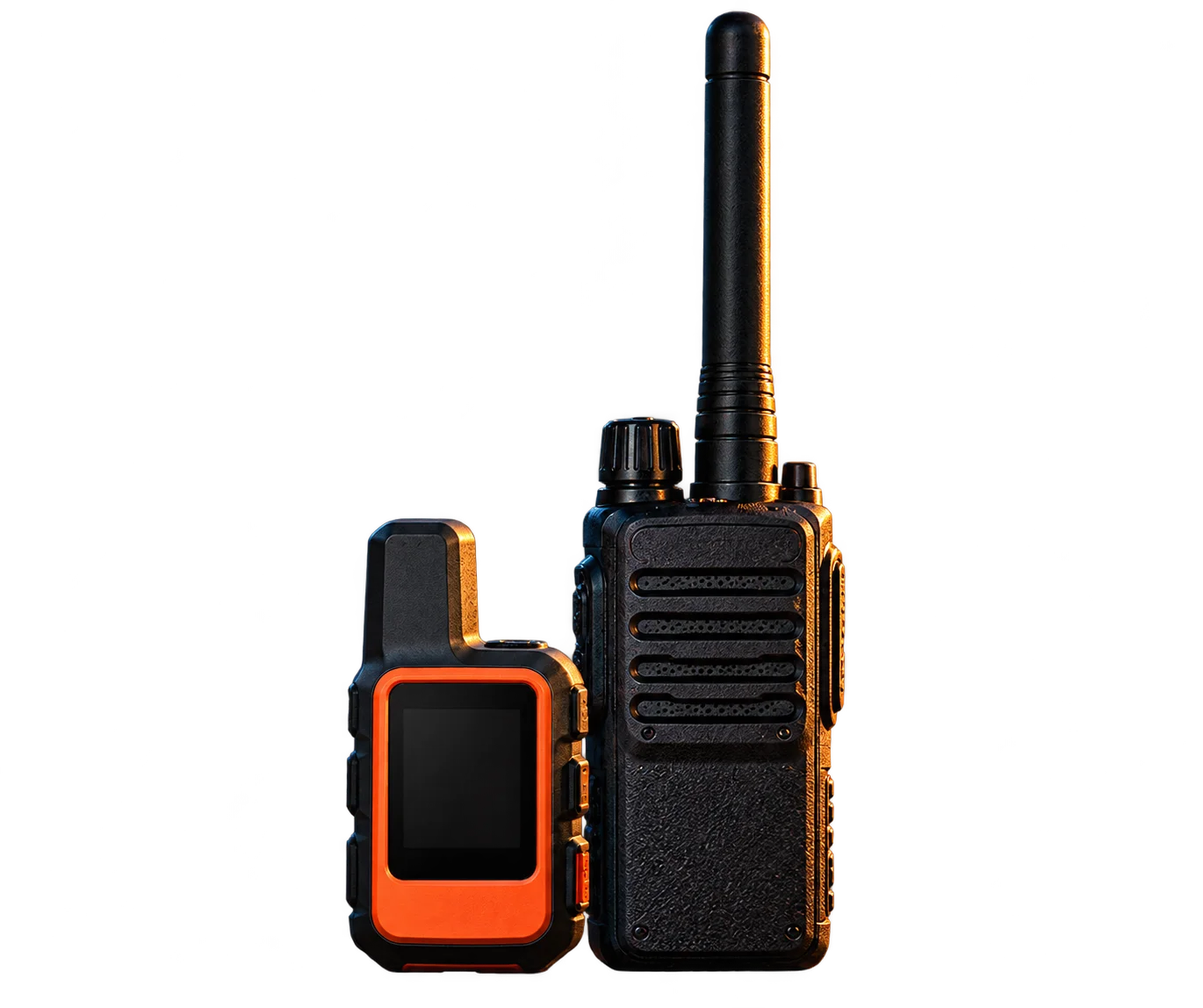

Wind-loaded pocket noted on north-facing terrain near 9,200 ft. No injuries. Attaching a photo and radio clip.

I’ve organized the details and kept the source evidence attached. Anything else to include before I prepare this for review?
Phone · Satchy Assistant
TerraSatchField observationPrepared for human review
One update. Connected evidence. Human review.
02 / Because of Satchy…
Your team already collects important information every day. Imagine turning those calls, observations, and notes into fewer repeated tasks and more time for what matters.
Follow a sample shift—from the first report to the next handoff.
01 / For me
Review the latest available observations in one place. See what was reported, what needs attention, and where the information came from.
Less searching. More clarity.Here are the updates available from the previous shift, along with two observations awaiting review.
Source evidence
North-facing wind loading reported near 9,200 ft. Original report retained; awaiting a qualified reviewer.
Source evidence
The previous shift added a terrain photo to the observation. Location is associated with the same source record.
Source evidence
Two illustrative observations need review. Confirm the location of the second report with the original observer.
Briefing draft · Ready for review
02 / For my team
Turn an authorized field update into a structured observation. Keep the source, location, photos, and details together for your team to review.
Less duplication. Better coordination.“Wind-loaded pocket noted on north-facing terrain near 9,200 feet. No injuries. Attaching photos.”
Sample field update. Original evidence stays attached.
Step 1 of 7: Information received. Progression is visitor-controlled.
03 / For our operation
Reports, documentation, and handoffs add up. Explore ways to simplify those small tasks so people can focus on meaningful operational work.
Less administrative effort. More operational capacity.Keep the evidence connected. Let people make the decisions.
03 / Ask Satchy
Bring one task, one handoff, or one information gap. Work through it with Satchy and find a simpler way forward.
Start with the work you know best.
Review your summary before sending an inquiry.
Your messages go to TerraSatch to generate replies. Your inquiry includes only the summary you choose to share.
Built around your workflow
Connect reports, handoffs, maps, and data to the tools your team already uses.
Google Drive · Microsoft 365 / SharePoint · Slack · Microsoft Teams · Email
Create approved files and send notifications to configured destinations.
Google Calendar · Outlook Calendar · Jira · Confluence · Webhooks
Create approved events, work items, and pages with the appropriate access.
Mapbox · Esri ArcGIS · ArcGIS Enterprise (public layers) · CalTopo · National Weather Service
Read configured map features, approved styles, and supported forecast data.
Snowflake · GeoJSON / REST · OGC API Features · STAC · Amazon S3 · Cloudflare R2
Query permitted data and create files in configured storage.
In the field: authorized radio through TerraSatch Edge, mobile observations, and source-linked media. Garmin inReach Portal Connect remains partner-gated; provider access and a validated deployment are required.
Coming later: onX Backcountry, Gaia GPS, and AllTrails.
Explore all connection requirementsA clearer picture
Satchy is TerraSatch’s AI field-workflow assistant. It organizes authorized radio updates, field notes, photos and locations into source-linked observations, briefings and handoff drafts. Your team reviews the evidence and approves the next step.
Start with one workflow and your current tools. TerraSatch scopes the input access, agrees the report fields and destination, and tests a reviewable handoff with your team. Provider permissions and partner access are confirmed as part of that scope.
AvyTS is TerraSatch’s module for avalanche professionals, ski patrol, mountain resorts and field observation teams. Winter 2026–2027 Open Beta focuses on connecting observations with snowpack, weather and terrain context for qualified human review.
Record the effort your current process takes, test one Satchy workflow and compare the results. The Time & effort tool uses your own assumptions to estimate staff capacity. Cash savings, fuel use and energy costs need their own measured evidence.
04 / The TerraSatch ecosystem
Satchy connects the information. Our modules bring context for the environments you work in.
Featured · Winter 2026–2027 Open Beta
For avalanche forecasters, ski patrol, mountain resorts, and field observation teams.
Winter Open Beta. We’ll agree the workflow and access with your team.
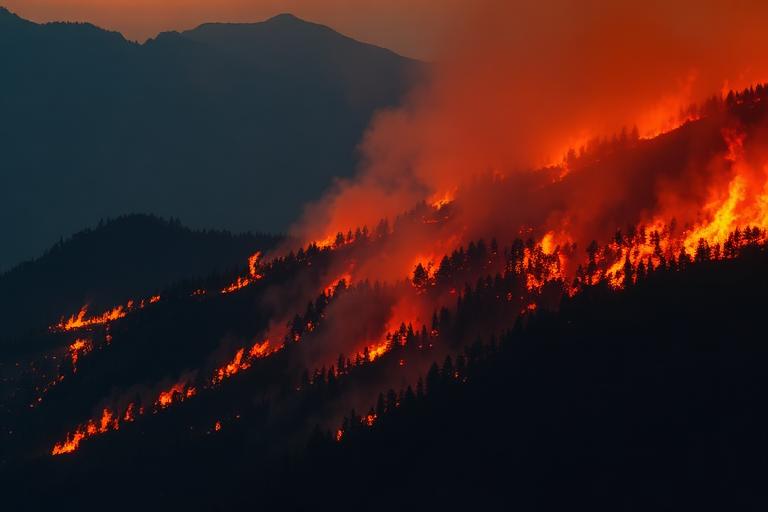
Next seasonal focus · Target 2027
Explore wildfire, land-management, incident observations, and environmental reporting workflows.
Planned
Water observations, watershed conditions, and environmental field information.
Planned
Geologic observations, terrain information, and geospatial field workflows.
Planned
Field inspections, infrastructure observations, and operational documentation.
05 / Discover what’s possible
Bring one workflow. We’ll connect the right inputs, test it with your team, and measure what changes.
Help us understand your team and current operations.
Identify repetitive work, information gaps, and useful opportunities.
Evaluate a suitable, approved workflow through Discovery or Open Beta.
Compare the results with your original process and assess measurable improvements.
A 14-day Discovery may be suitable for some teams. Duration, access, and evaluation scope are agreed individually.